Live Milestones
Track every handoff event from pickup through destination scan.
Tracking and Delivery Visibility
 Get Quote
Shipment Visibility
Get live status updates, route progression, and timeline events in one tracking view.
Tracking Visuals

After loading your shipment, review receiver and shipment details, then confirm or request corrections.
Load a shipment to review receiver and shipment details.
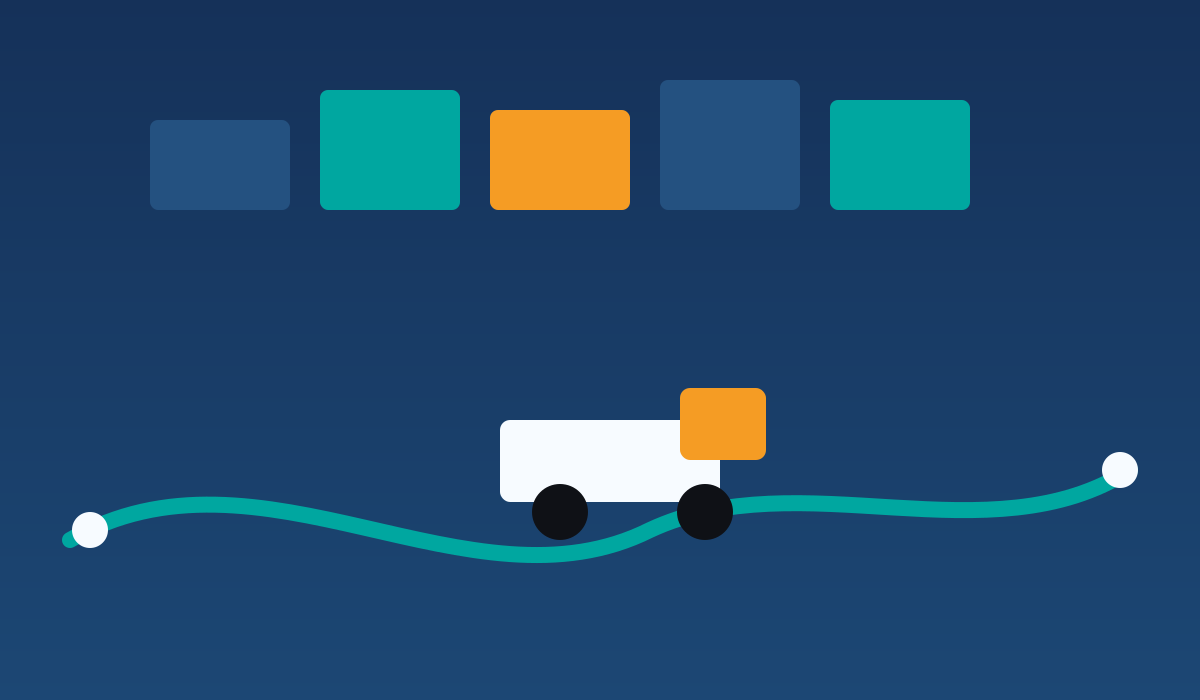
Visual shipment progression from origin to destination.
Last scan: enter a shipment ID to load route details.
Track every handoff event from pickup through destination scan.
Share tracking links and status updates with support teams and shoppers.
Identify delayed or at-risk shipments earlier with milestone gaps.
Capture completion status and simplify post-delivery support.
Tracking FAQ
A delay status usually appears when weather, capacity, or route events affect the original ETA.
Yes. Use the same shipment ID in customer communications so teams and shoppers can follow progress.
Events update whenever the shipment receives a new operational scan in the network.